<img height="1" width="1" src="https://www.facebook.com/tr?id=326494385092490&amp;ev=PageView &amp;noscript=1">
Skip to content
English
  • There are no suggestions because the search field is empty.

How do I share an On-Demand Stream to IDP Student Community?

Repurpose past events by sharing with a large, global audience through your profile on the IDP Student Community.

Watch this quick video for a step-by-step walkthrough of how to upload your event recordings and share to IDP:


To upload a recording and share to IDP:

  1. Go to the On-Demand Streams tab.
  2. Click + Upload Recording.
  3. Add title, description, and tags.
  4. Hit Save
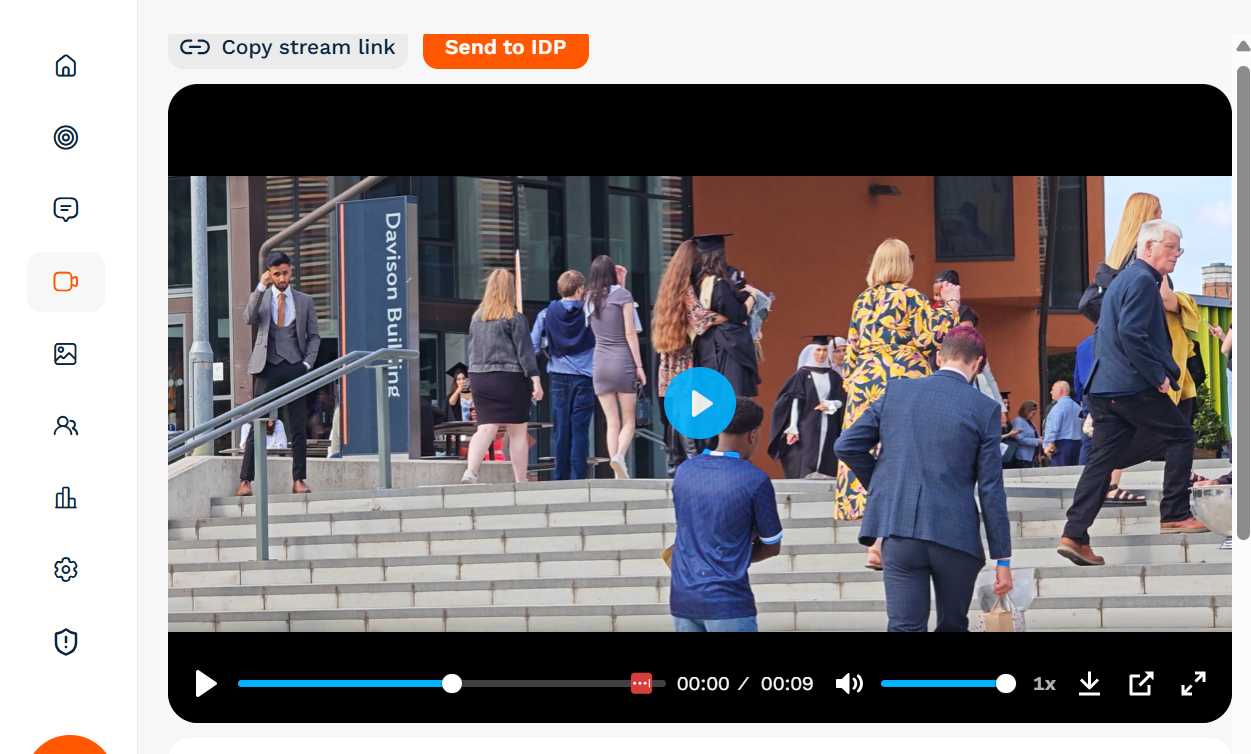
  5. Click on the stream itself and then the orange 'Send to IDP' button: